
Connect
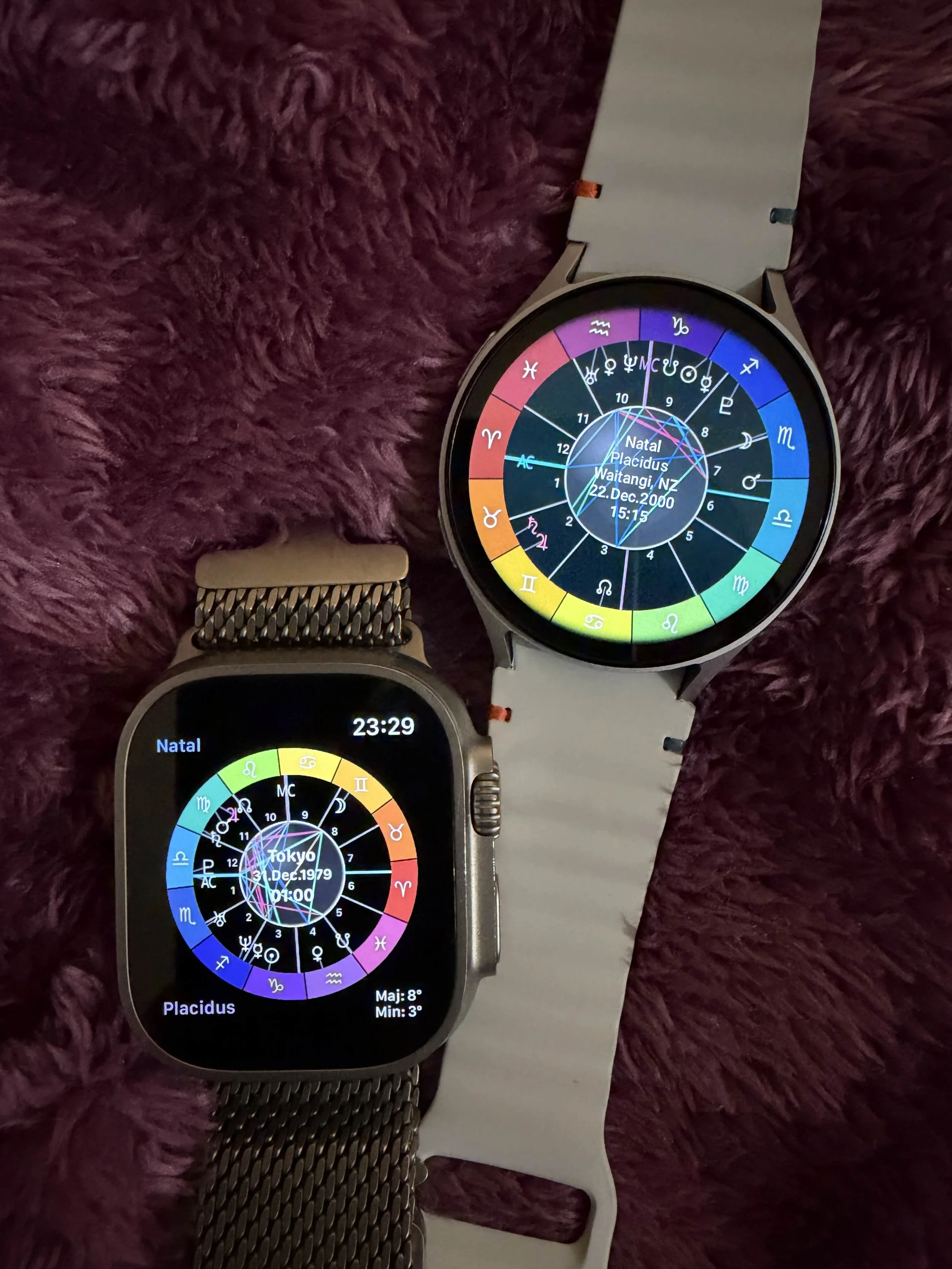
Wear the ancient art of the sky
SolarJewel App
for WearOS, WatchOS, iOS and Android
Stay Connected
I have created SolarJewel as gift to the community. SolarJewel is a high-precision astronomical instrument born from years of dedicated study across UX/UI, graphics, native development and spiritual studies.
My aim was to UX Engineer a gesture based configuration that solve a quiet, essential need: the ability to remain present in the physical earth plane while staying aligned with the planetary flow.

Multi Modal
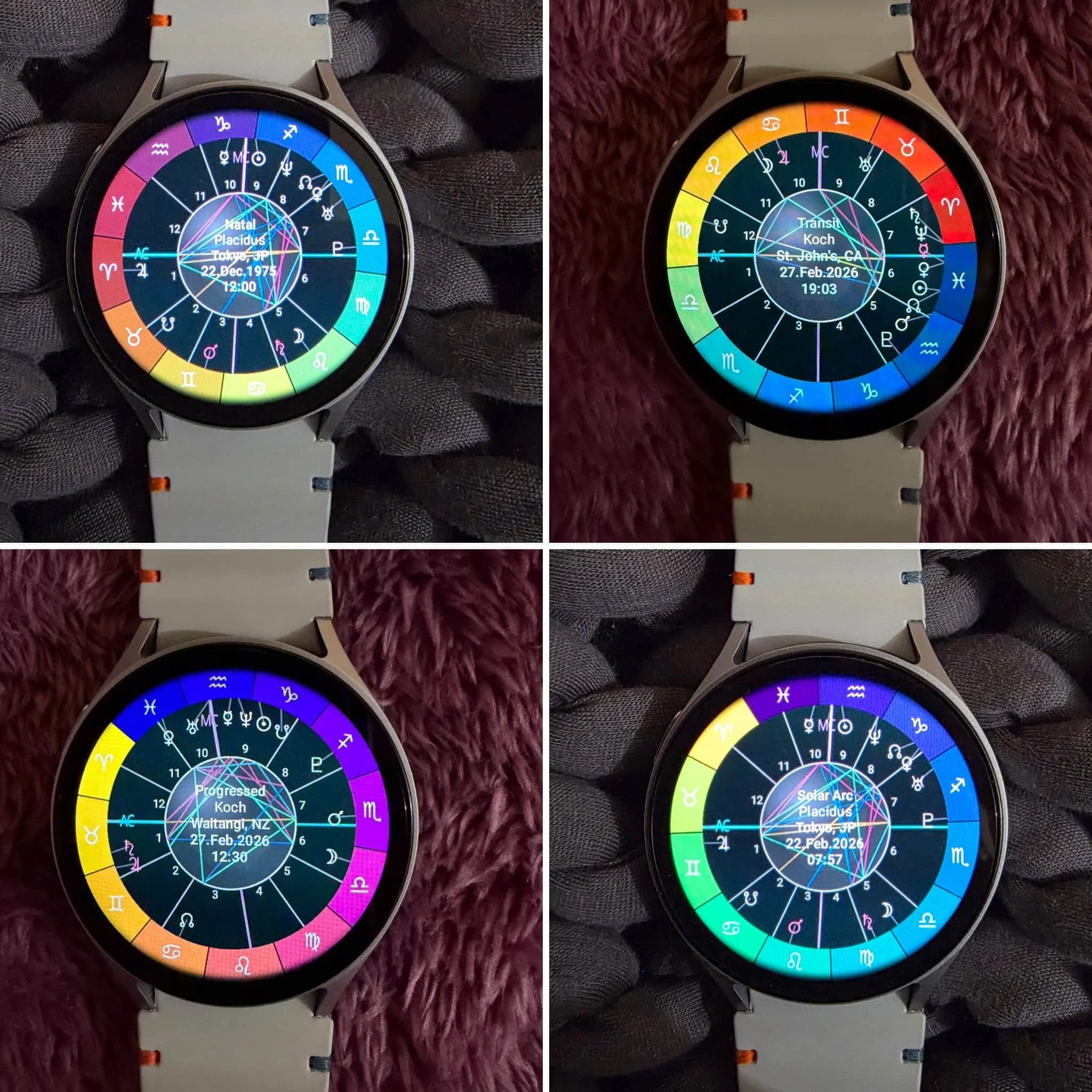
Swipe vertically to switch from Natal, Transit, Progression and Solar Arc modes
Modes
You can switch between modes by swiping horizontally or going through the configuration menu.
NATAL
TRANSIT
SECONDARY PROGRESSION
SOLAR ARC
House Systems
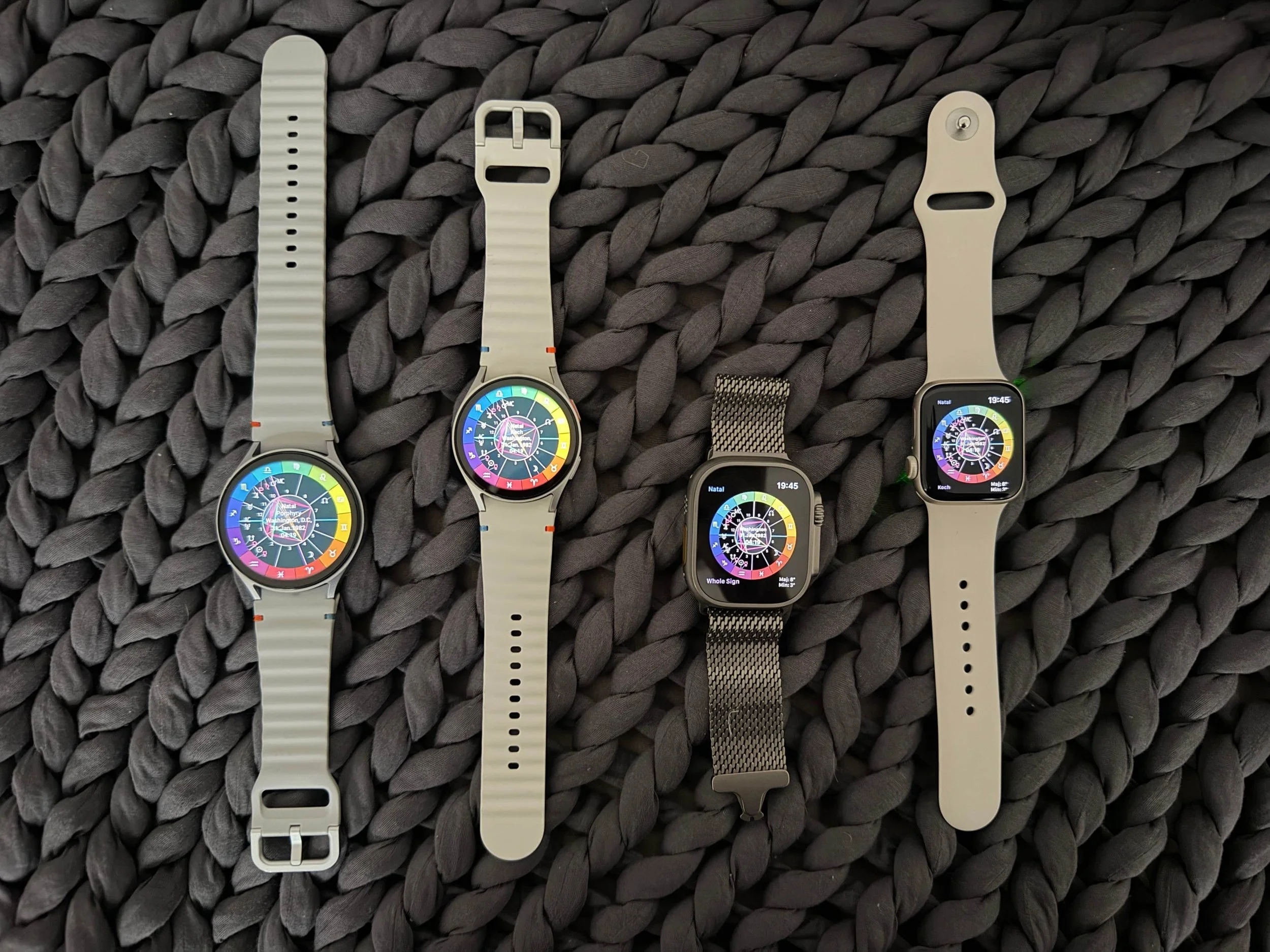
Compare different house systems with a horizontal swipe
House Systems
In Natal Mode, swipe horizontally to change house systems. This can also be done in the configuration menu. The house systems include
Placidus
Koch
Whole Sign
Porphyry
Regiomontanus
Campanus
Equal
Meridian
Topocentric
Morinus
Krusinski
Alcabitius
Offline Engine
SolarJewel app contains a 40 year lineage of astronomical, mathematical, compute and hardware progress. Starting with the planetary work of Pierre Bretagnon (1980s) then computational revolutions of Stephen Moshier (1990s) and astronomical standards of Dieter Koch and Alois Treindl.
The mathematical engine has been stored, translated and connected to a lightweight location and timezone database so that you can explore your chart completely offline

Sacred Engineering
Smoothly simulate chart placements, aspects and retrogrades to watch them unfold over time
Time Travel
Search forward or backwards in time through horizontal swiping. Long press to reset to now
Or you can set a custom and more specific date / time in the configuration menu (as well as reset to now).
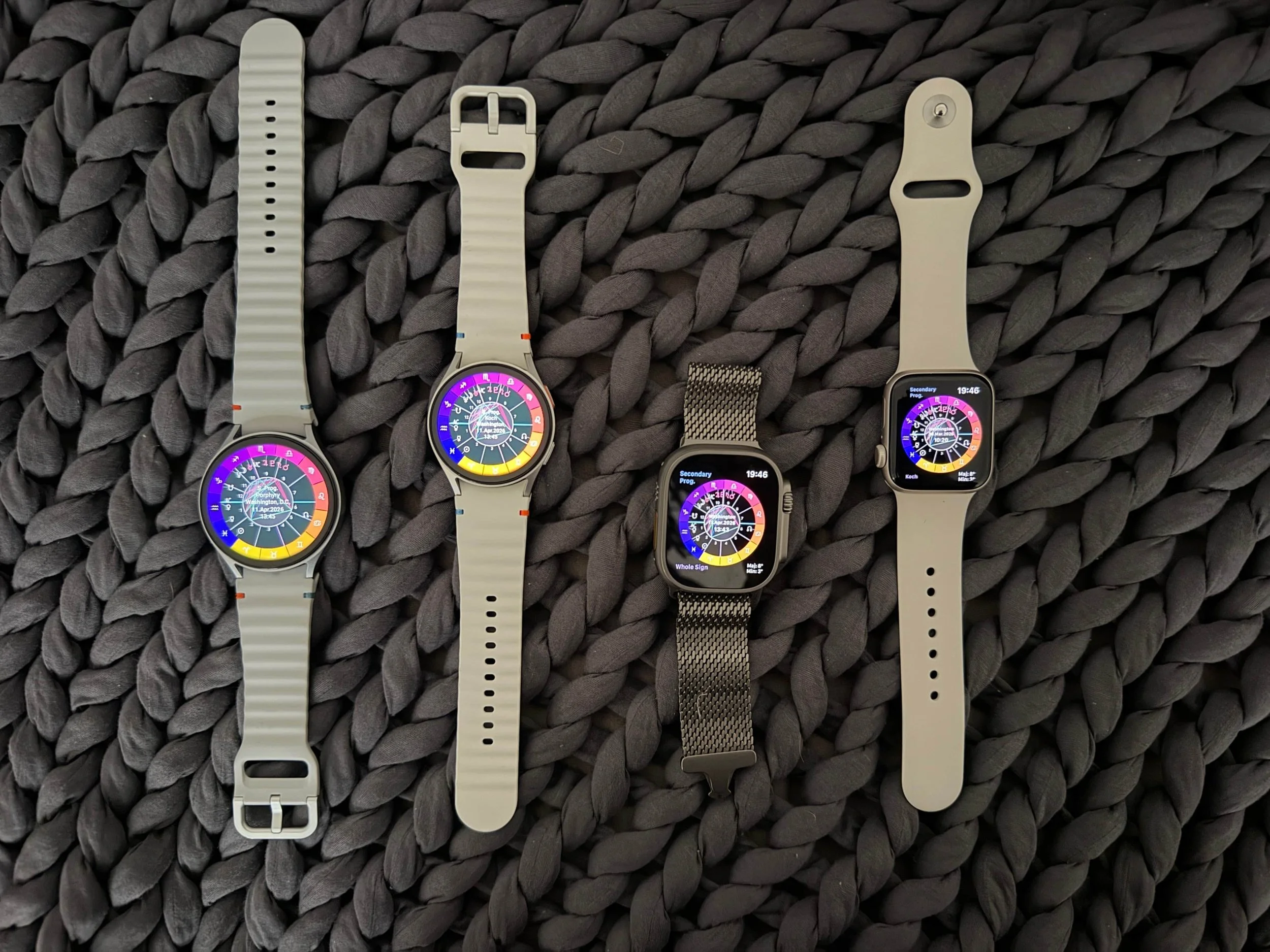
Illuminating Simulations
Recall where your progressed placements are at a glance then swipe to see them unfold over time
SolarJewel is a pure precision utility engine, and does not provide placement interpretations

All platforms and devices
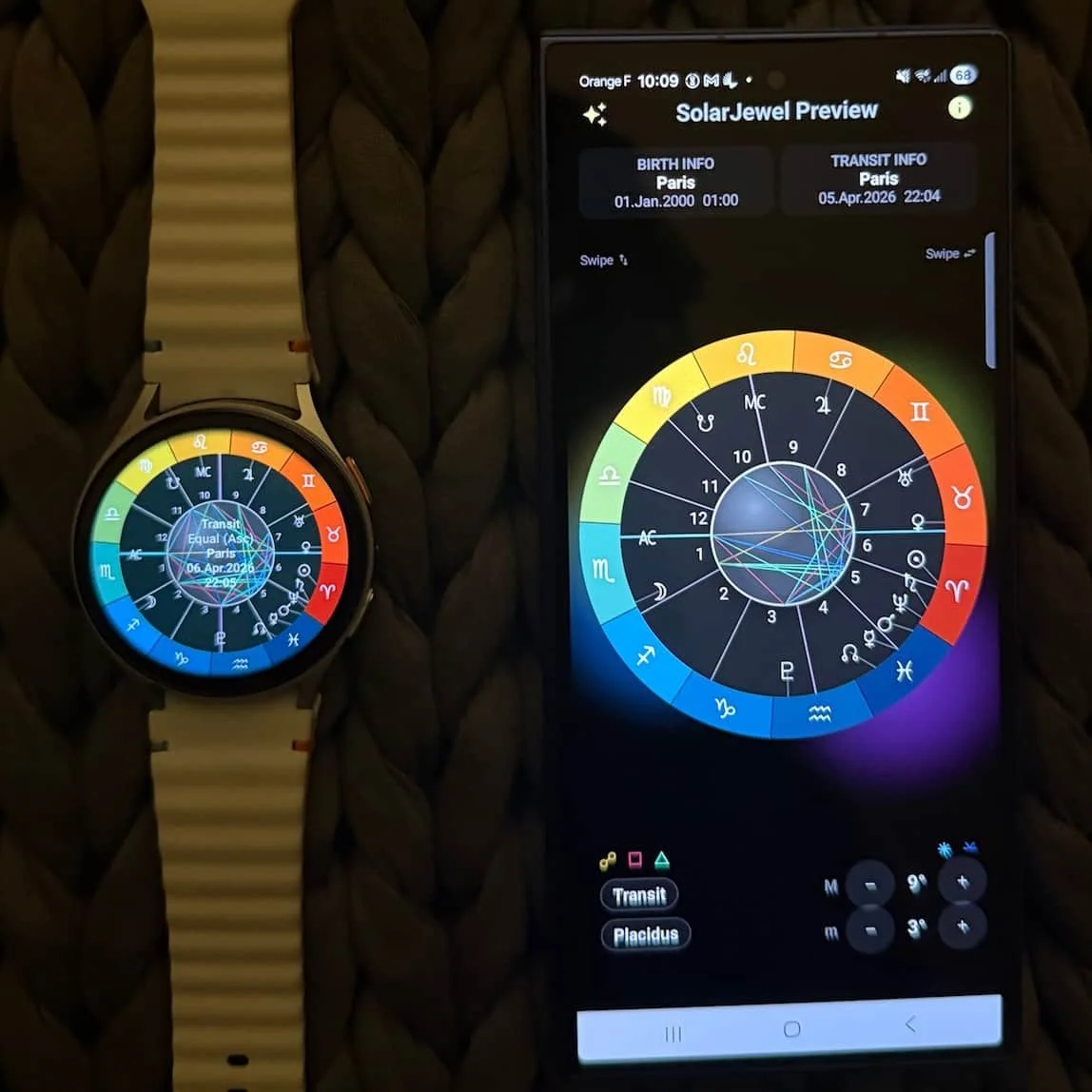

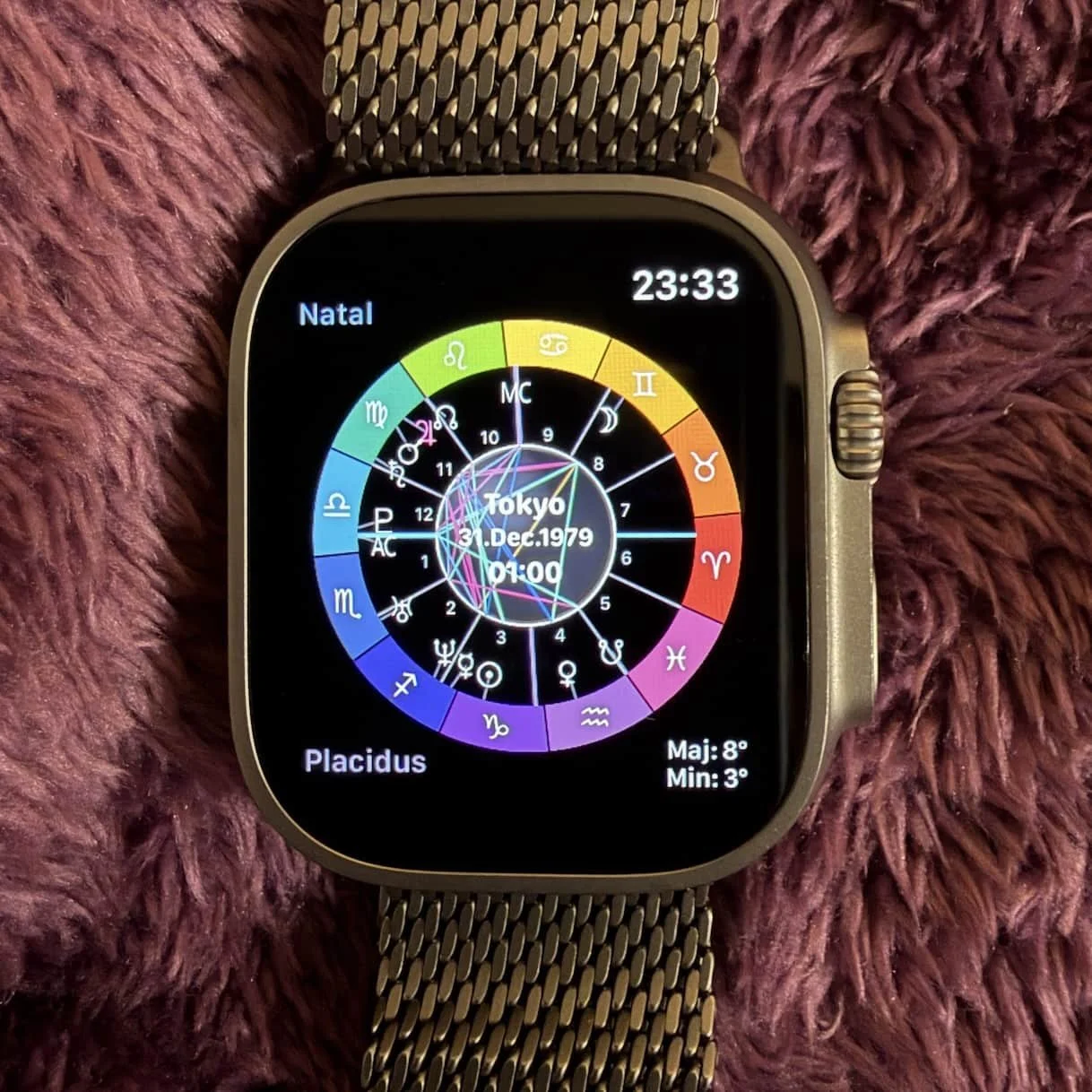

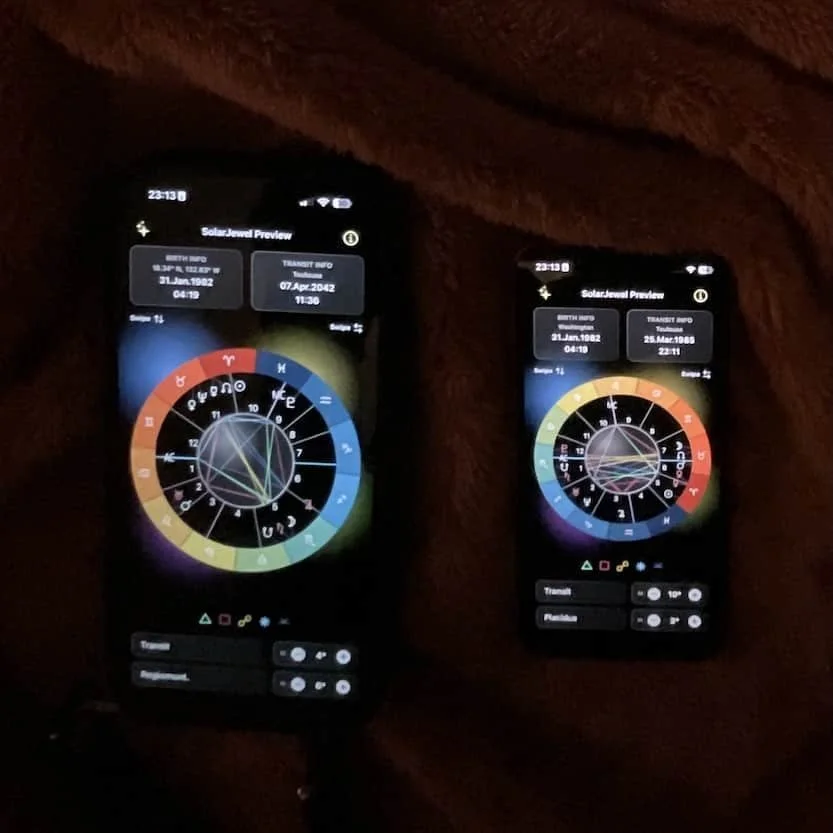

-
Tap the center of the chart to reach the configuration menu, open the Birth Info menu to enter your birth information (Date, Time, Location)
-
In the main configuration menu, go to the Transit menu to enter in your current location, date and time
-
Go to the orb menu to set your orbs for major aspects (conjunction, opposition, square and trine) and minor aspects (sextile and quincunx)
-
While viewing the chart, you can switch between modes by swiping vertically (natal, transit, secondary progression and solar arc)
-
While in Natal Mode, you can swipe horizontally to change house systems
-
While in Transit mode, you can swipe horizontally to travel forwards or backwards in time. Then long press to reset to your current time.
-
While in Secondary Progression mode, you can swipe horizontally to travel forwards or backwards in time. Then long press to reset to your current time.
-
While in Solar Arc mode, you can swipe horizontally to travel forwards or backwards in time. Then long press to reset to your current time.
Get Started
SolarJewel Configuration
Tap the center to enter the full configuration menu. You can also find usage instructions and chart display options.
Birth Info
Tap the center to enter the full configuration menu. You can also find usage instructions and chart display options.
Transit Info
Tap the center to enter the full configuration menu. You can also find usage instructions and chart display options.
Orbs
Tap the center to enter the full configuration menu. You can also find usage instructions and chart display options.